

Start with the three letters
WPS is Writer, Presentation, and Spreadsheets. That 1988-to-now core is why the ribbon feels like Microsoft Office on purpose. PDF, Photo, Cloud, and WPS AI grew around it. You do not need all of them on day one. Install the suite, set DOCX/XLSX/PPTX as defaults, and open the chapter for the job in front of you.
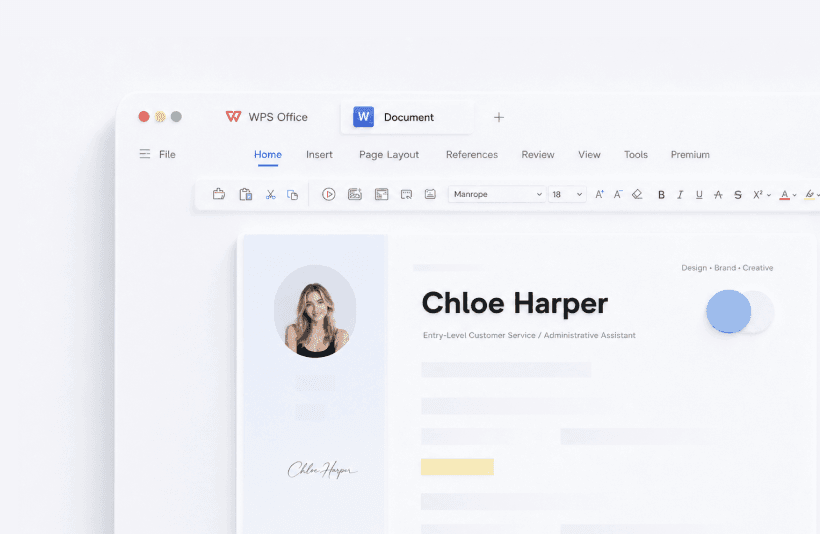
Writer
Letters, reports, theses, mail merge. If you already know Word, this is the shortest learning curve. Deep guide: Writer. Practical add-ons: mail merge, templates, shortcuts.
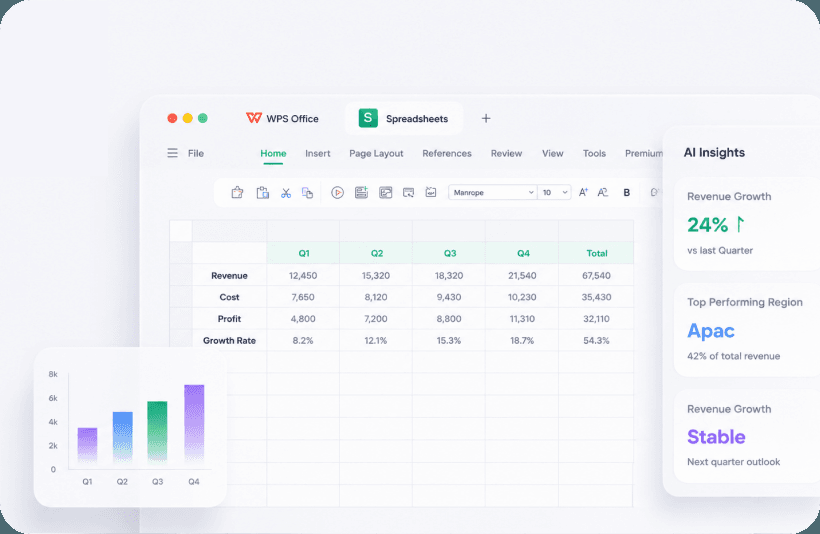
Spreadsheets
Homework, invoices, lab charts, and the occasional 80 MB beast. Everyday Excel formulas live; Microsoft 365-only arrays need a test file. Spreadsheets · formulas.
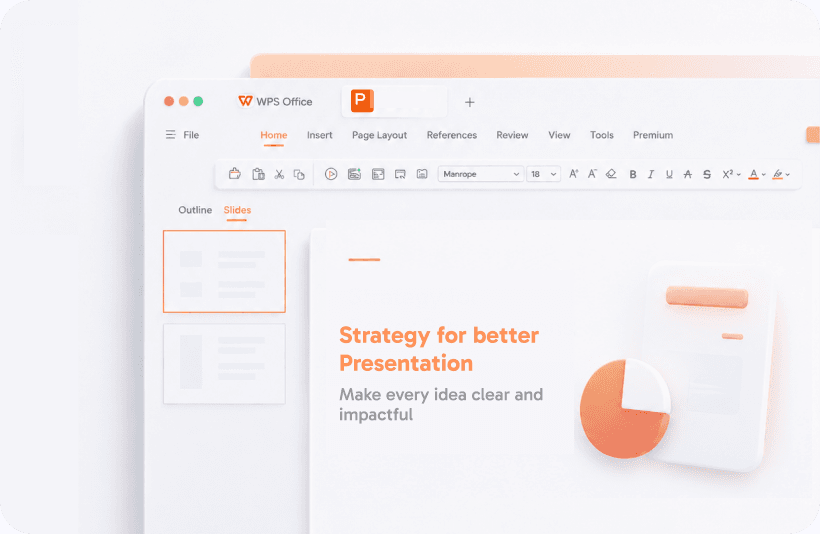
Presentation
PPTX decks, a boring master, a PDF spare on a USB. AI can dump a skeleton; you still have to read it aloud. Presentation.
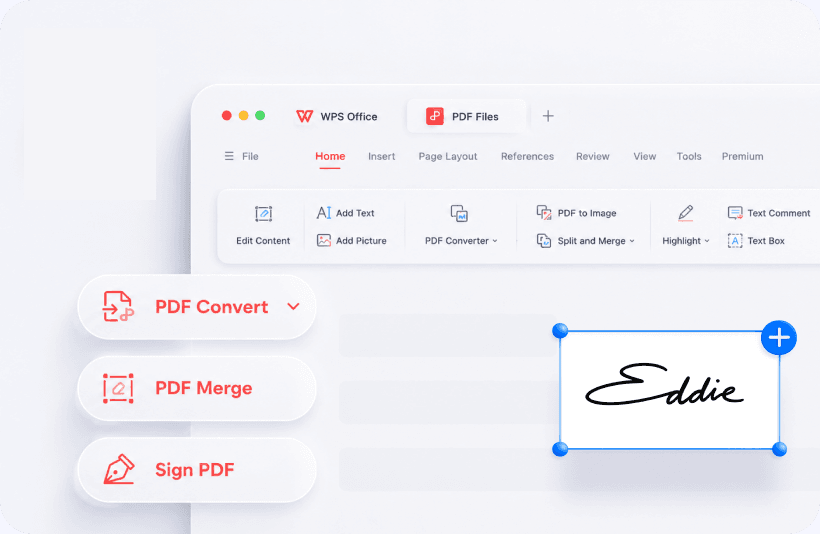
The reason shops drop a second Acrobat seat: annotate, convert, sign, OCR, merge. Walls appear on the free SKU. PDF · PDF to Word · Word to PDF.
Photo, Cloud, AI, web
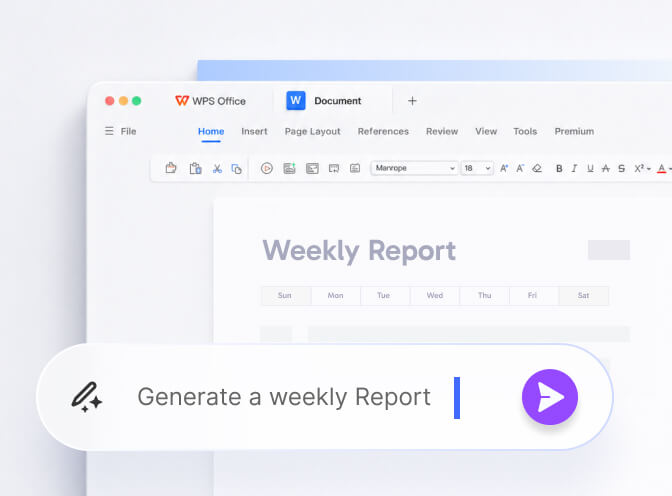
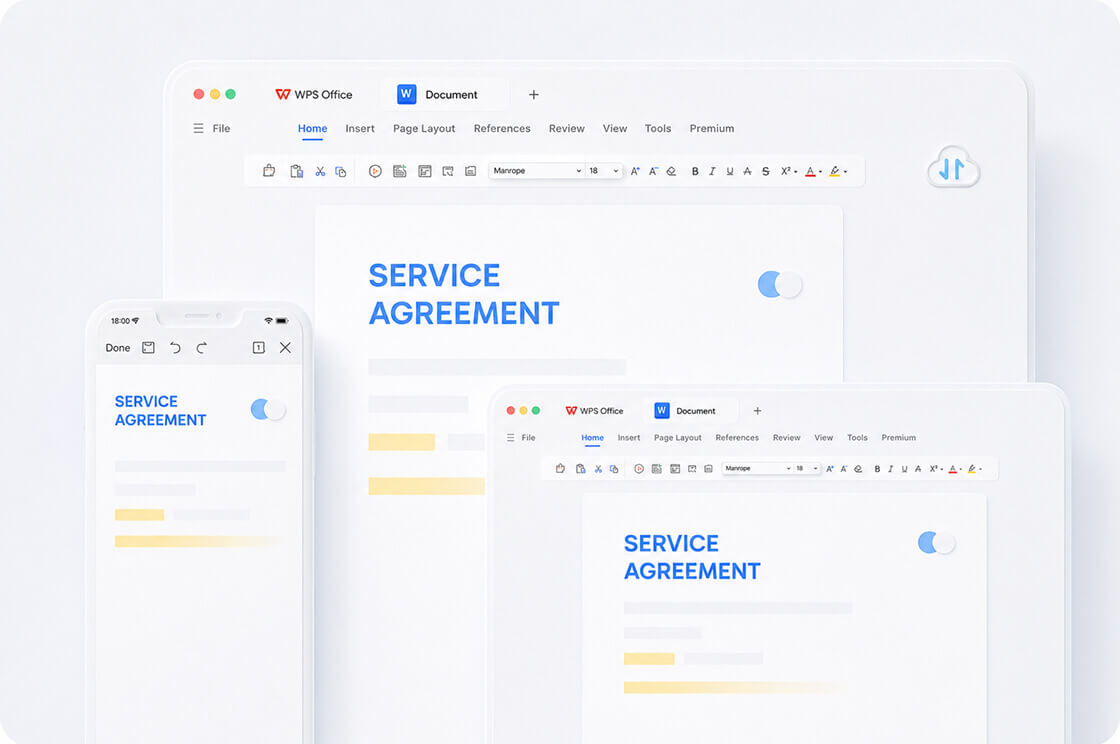
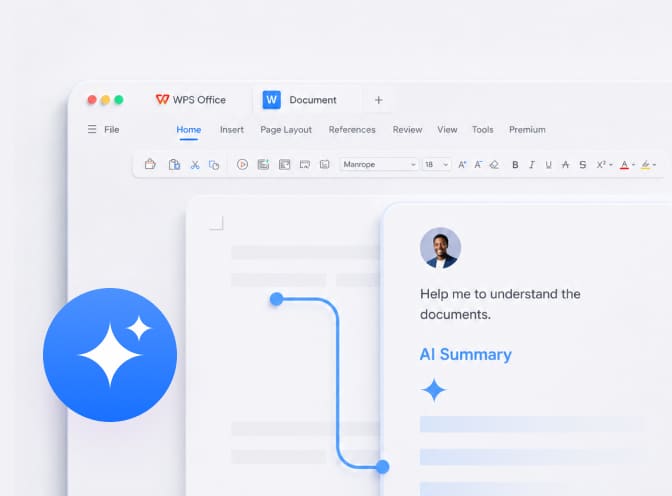
Photo is crop-and-arrow, not Photoshop. Cloud is File Roaming and a small free quota; Drive/Dropbox/OneDrive can coexist if you pick one live folder. WPS AI drafts and summarizes — then you verify. Browser tools are a pocketknife for a library PC.
Who should skip which app
- A law firm that lives in Word Compare can ignore Writer as a last-save tool.
- A five-person live brief still belongs in Google Docs.
- A print shop that needs clipping paths can ignore Photo.
- Everyone should still know where PDF lives.
History of how the suite got here: timeline. Honest product comparison: WPS vs 365 vs Google vs LibreOffice.